Your photo, your moment
Then I Walk In AI Generator
Turn one portrait into the Then I Walk In meme
Template preview
What is the Then I Walk In AI video?
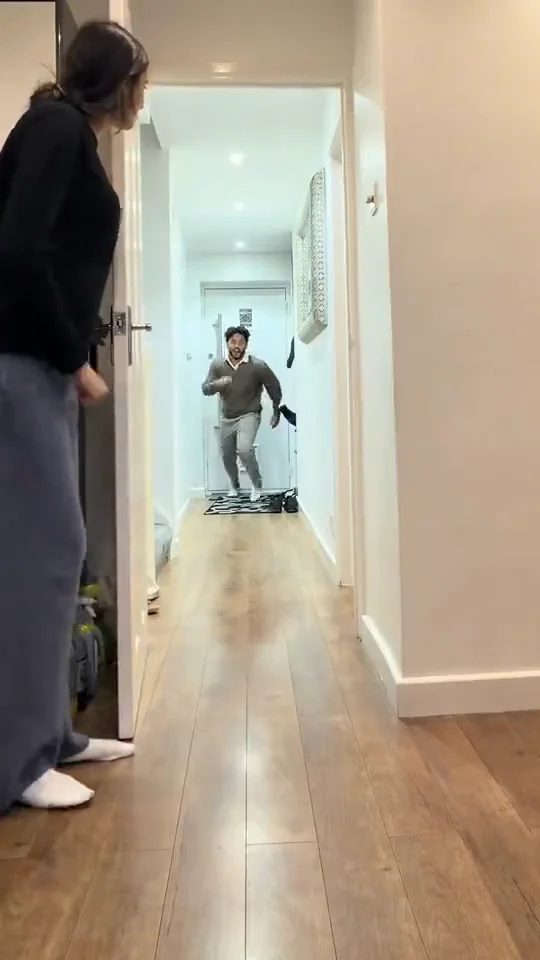
Turn one portrait into the Then I Walk In meme: a confident selfie-style entrance, a steady walk toward the camera and that knowing look at the end.
Upload one photo and MemeJolt rebuilds the trend with your subject in the lead role: the same scene, the same moves, your face, outfit or pet exactly as in your photo. No editing skills and no second take needed.
How to make it
- Upload one clear photo of your person.
- MemeJolt applies the Then I Walk In AI motion and scene (one continuous indoor space, shot selfie-style) to your photo.
- Choose 720p or 1080p, generate, preview and download your video.
Which photo works best
- One subject, clearly visible and in focus, with the face (or your pet's face) not covered.
- Good, even light: avoid heavy shadows, blur and very dark photos.
- For dance templates, a full-body shot gives the cleanest movement.
FAQ
How many photos do I need? Just one. The whole video is generated from a single photo.
How long is the video? About 8 seconds, in vertical 9:16 format, ready to post as a Short, Reel or TikTok.
What resolutions can I pick? 720p costs 60 credits and 1080p costs 130 credits. Pick 1080p if you plan to repost or crop the video later.
Can I use a pet photo? Yes, if the template supports pets: one clear photo of your dog or cat works the same way.
Three steps to the spotlight
- 01Upload a clear photo
- 02Let AI animate the moment
- 03Preview and download your video