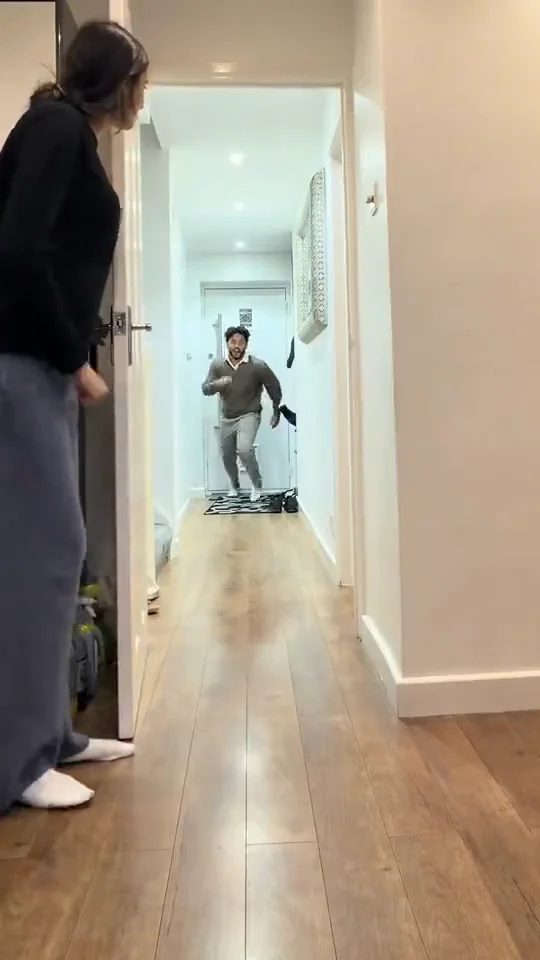
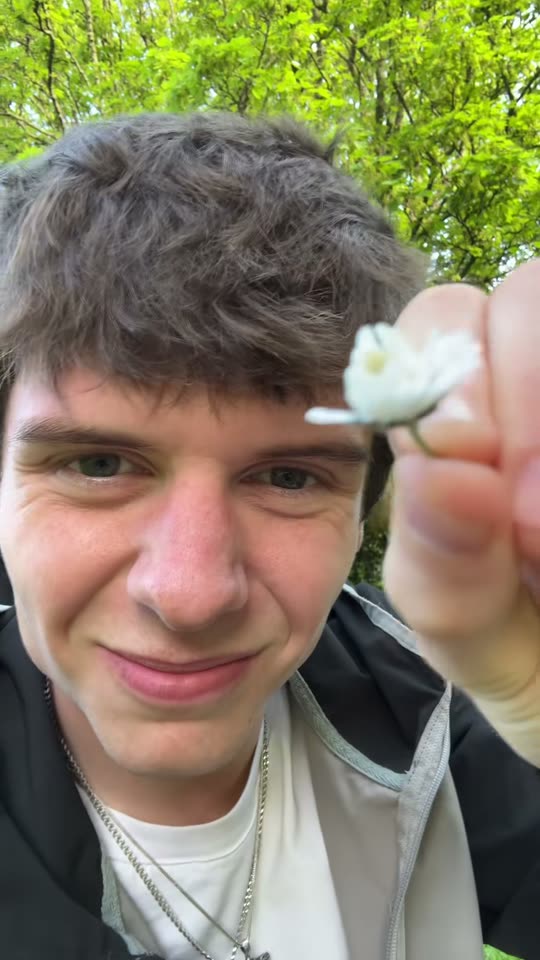
Your photo, your moment
First Time in a Fancy Cafe AI Generator
Turn one photo into the First Time in a Fancy Cafe clip
Template preview
What is the First Time in a Fancy Cafe AI video?
Turn one photo into the First Time in a Fancy Cafe clip: you perch on top of a tiny cafe table sipping your coffee, then realise your mistake and sit down the right way, in one fixed shot.
Upload one photo and MemeJolt rebuilds the trend with your subject in the lead role: the same scene, the same moves, your face, outfit or pet exactly as in your photo. No editing skills and no second take needed.
How to make it
- Upload one clear photo of your person.
- MemeJolt applies the First Time in a Fancy Cafe AI motion and scene (a bare concrete cafe with small round tables on a low ledge) to your photo.
- Choose 720p or 1080p, generate, preview and download your video.
Which photo works best
- One subject, clearly visible and in focus, with the face (or your pet's face) not covered.
- Good, even light: avoid heavy shadows, blur and very dark photos.
- For dance templates, a full-body shot gives the cleanest movement.
Spec table
| Item | Spec |
|---|---|
| Reference photo | 1 photo |
| Duration | 15 seconds |
| Aspect ratio | 9:16 |
| Model | alibaba/wan-3.0/reference-to-video |
| Tiers | 720p/60 credits, 1080p/130 credits |
| If generation fails | Credits are refunded automatically |
FAQ
How many photos do I need? Just one. The whole video is generated from a single photo.
How long is the video? About 15 seconds, in vertical 9:16 format, ready to post as a Short, Reel or TikTok.
What resolutions can I pick? 720p costs 60 credits and 1080p costs 130 credits. Pick 1080p if you plan to repost or crop the video later.
Can I use a pet photo? Yes, if the template supports pets: one clear photo of your dog or cat works the same way.
Three steps to the spotlight
- 01Upload a clear photo
- 02Let AI animate the moment
- 03Preview and download your video