MEMEJOLT / DANCE
AI Dance Video Generator
An AI dance video generator animates a still photo so the person in it dances a short, recognizable routine. You pick a dance template, upload one clear photo, and MemeJolt sends the image through a video model that adds motion, camera movement and rhythm-matched pacing. The result is a few-second clip you can download and post.
Every dance template below has a public sample, so you can watch the exact move and framing before you spend credits. Most templates take a single photo and return 720p or 1080p video in vertical or landscape format, depending on the source trend. Renders are short by design — the length that works best on TikTok, Instagram Reels and YouTube Shorts.
17 templates
Dance meme video templates
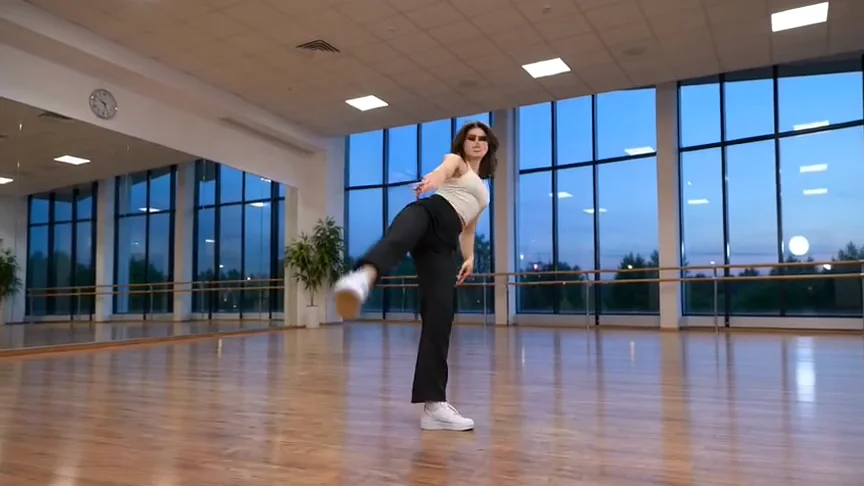
KDA Firestarter AI
Turn one photo into the KDA Firestarter dance: Kai'Sa-inspired vogue gestures, close-ups and camera moves in a 12-second widescreen clip.
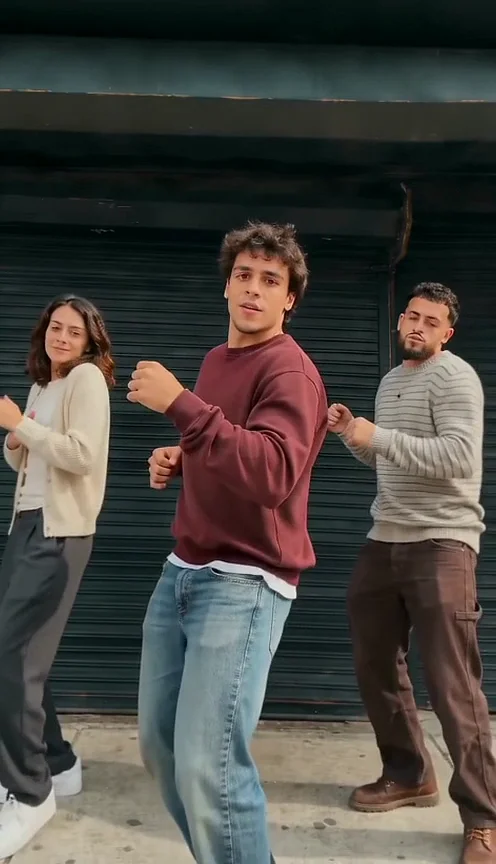
Dame Hombro Dance AI
Turn one photo into the Dame Hombro shoulder dance: you lead the shoulder-shimmy routine on a shutter-sidewalk scene, keeping your cast and outfits, in a 15-second vertical clip.
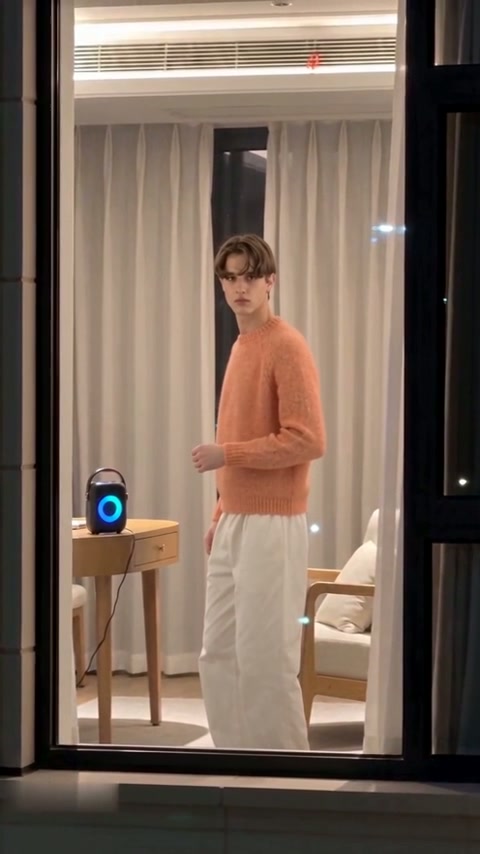
Window Dance AI
Turn one photo into the Window Dance: you dance by a glowing speaker in your window, catch the camera watching, and pull the curtains shut, in a 10-second vertical clip.
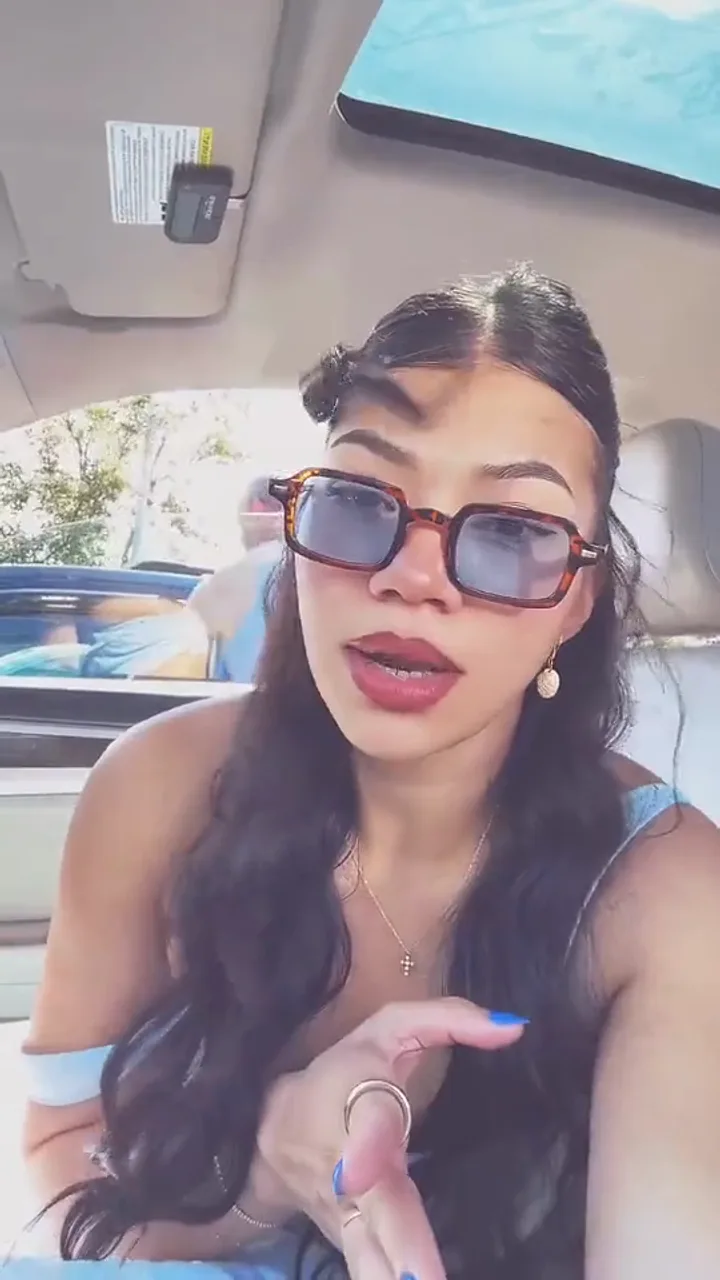
Aserejé AI
Turn one photo into the Aserejé car-selfie lip sync: you mouth the Ketchup Song hook, rest your cheek on your hand and finish laughing, in a 15-second vertical clip.
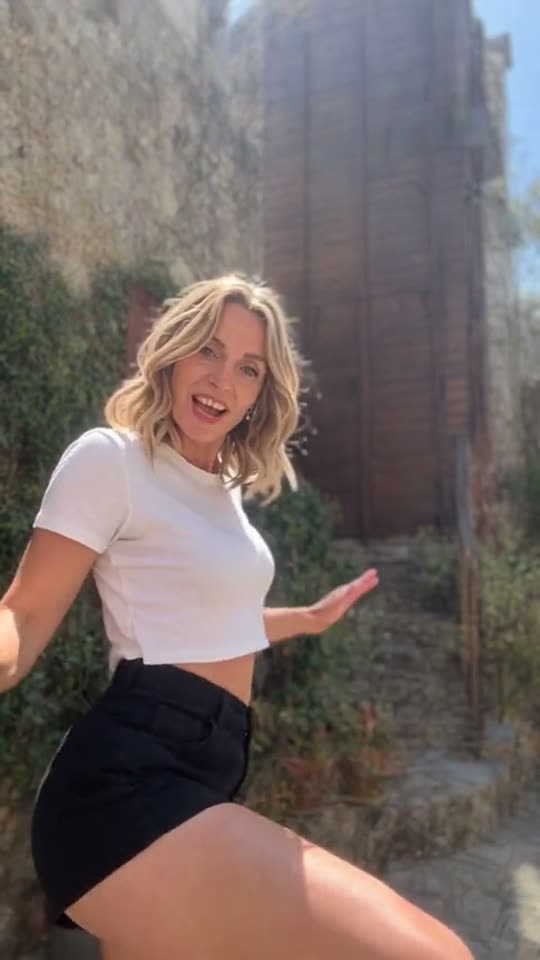
Catel Madatorricelli AI Dance
Turn one photo of you or your dog into the Catel Madatorricelli dance: you lead the sunny courtyard routine to the CATEL song, in a vertical clip.
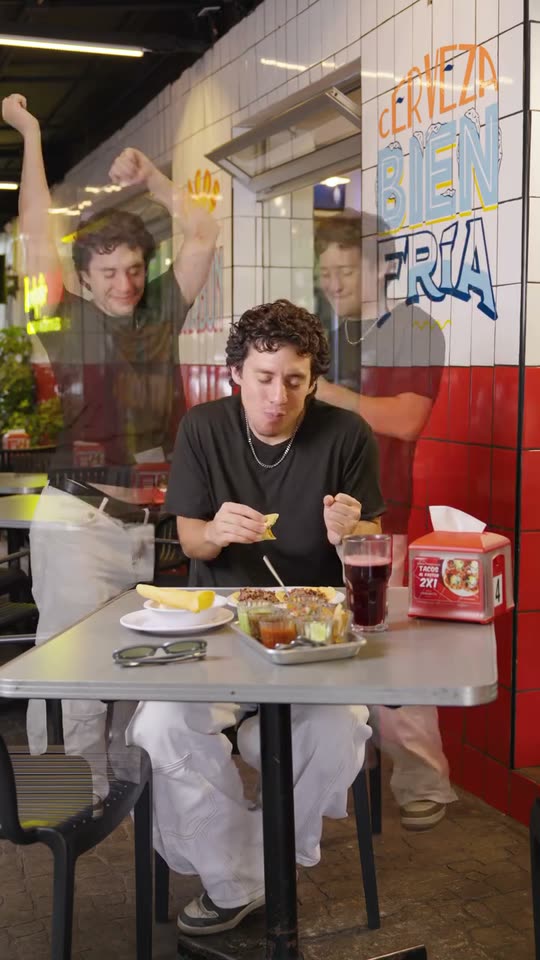
Teach Me How to Dougie AI
Turn one photo into the Teach Me How to Dougie clone dance: you eat tacos at the table while see-through copies of you do the Dougie behind you, in a vertical clip.
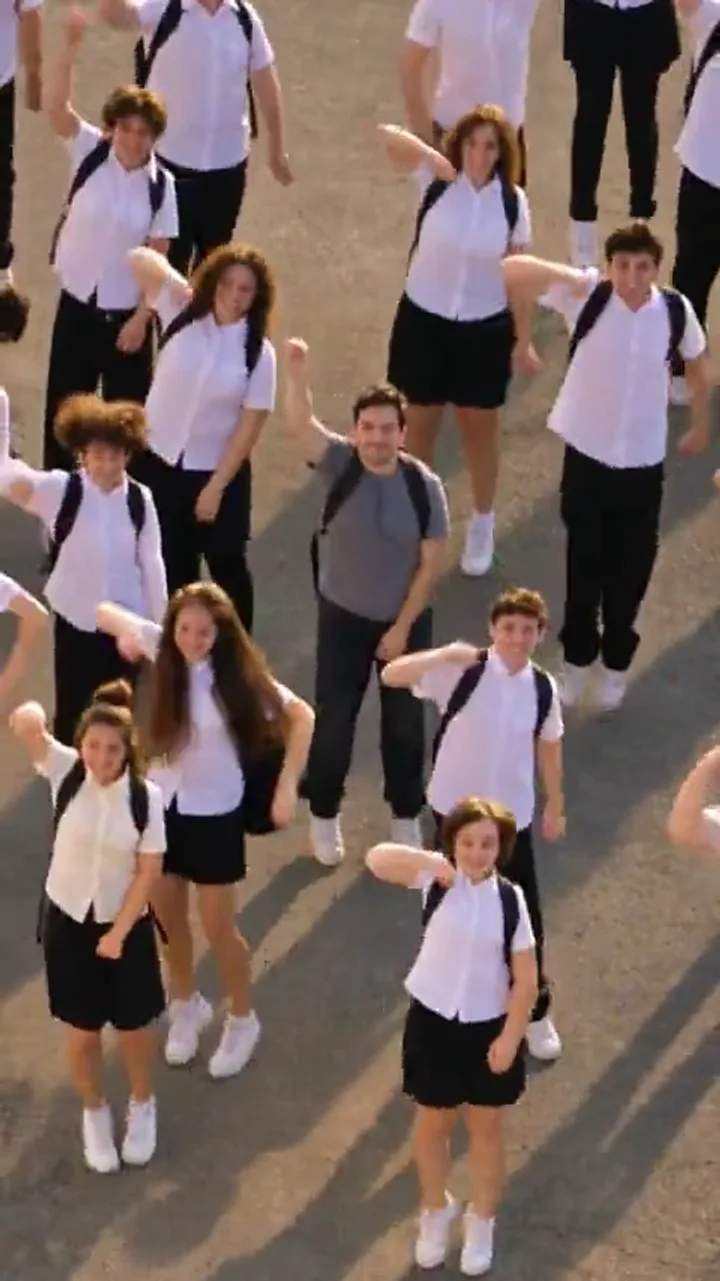
Lonyo AI
Turn one photo into the Lonyo court-crew dance: you lead the crew through coordinated steps on the court, with a high-angle whip-pan finish, in a 15-second vertical clip.
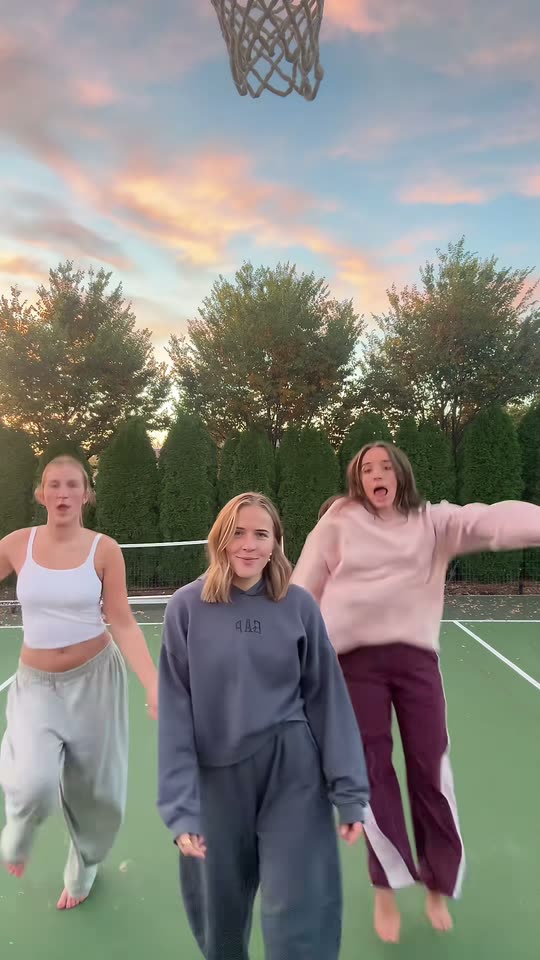
Chipmunks Dance AI
Turn one photo into the Chipmunks Dance solo: you take the lead dancer's spot in a trio that spins, twirls a finger, flips hair and takes turns in front, on a tennis court at sunset.
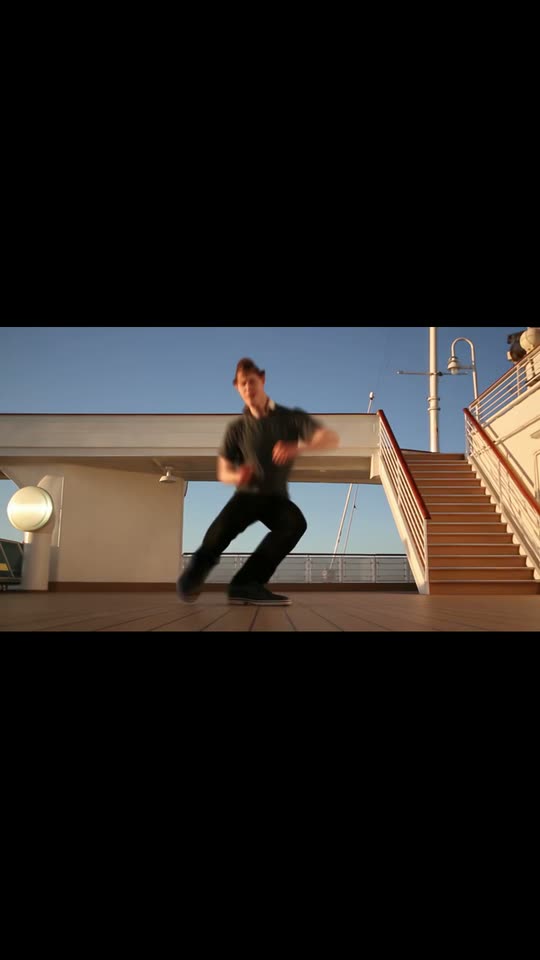
24K Magic AI
Turn one photo into the 24K Magic deck dance: you groove on a sunny cruise ship deck, sharp steps and swagger, in a bright vertical video.
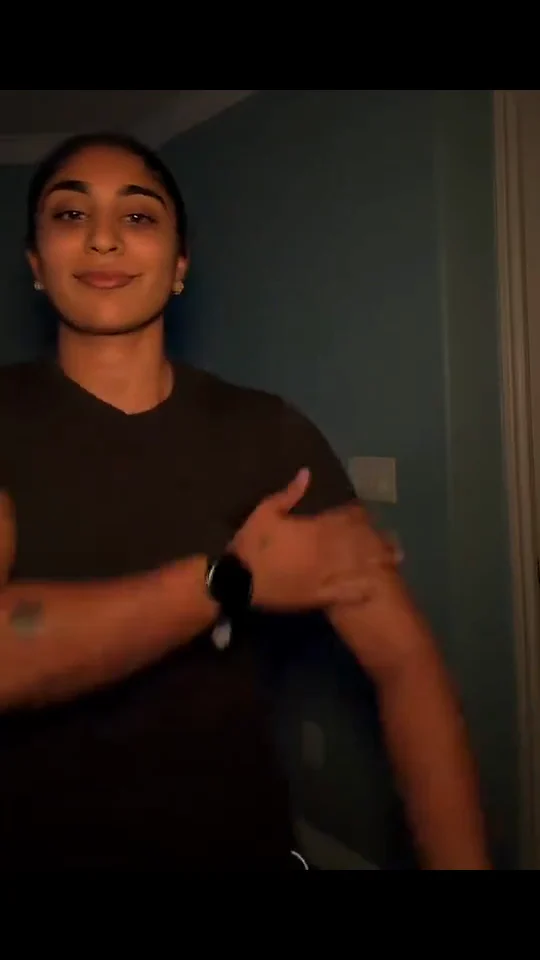
Bicep Heart AI
Turn one photo into the Bicep Heart trend: smile, flex one arm and curl your hand into a heart on your bicep, in a short vertical video.
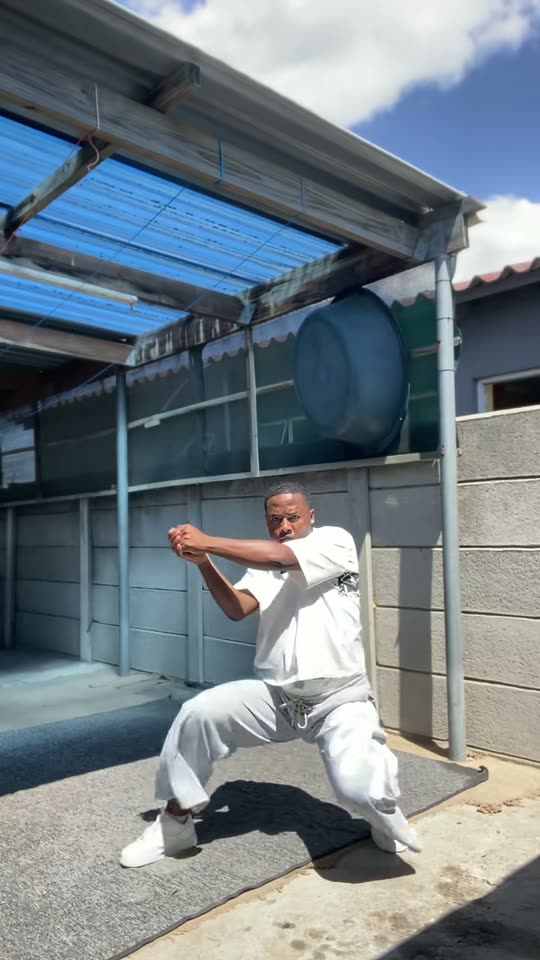
Fuzzy Dream Dance AI
Turn one photo into the Fuzzy Dream (skeur) dance from the 'I just woke up from a fuzzy dream' remix: squat, bounce and shake, solo or as a duo.
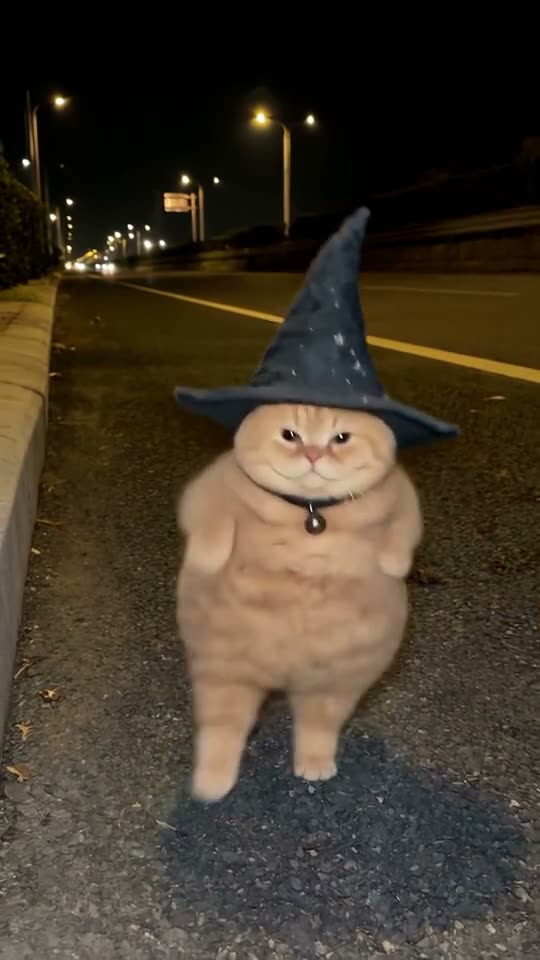
Buggin Dance AI
Turn one photo of your cat, dog or yourself into the buggin dance: a wizard hat, the bounce, the spin and the side kicks. Buh buh buggin.
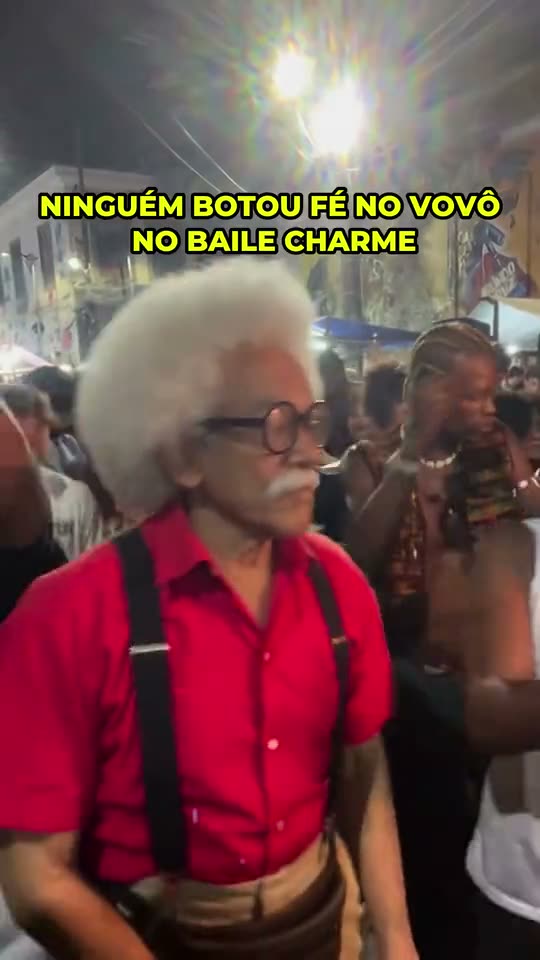
Charme Dance AI
Turn one photo into the charme dance: you groove smooth at a packed baile charme in Rio, the crowd filming and cheering around you.
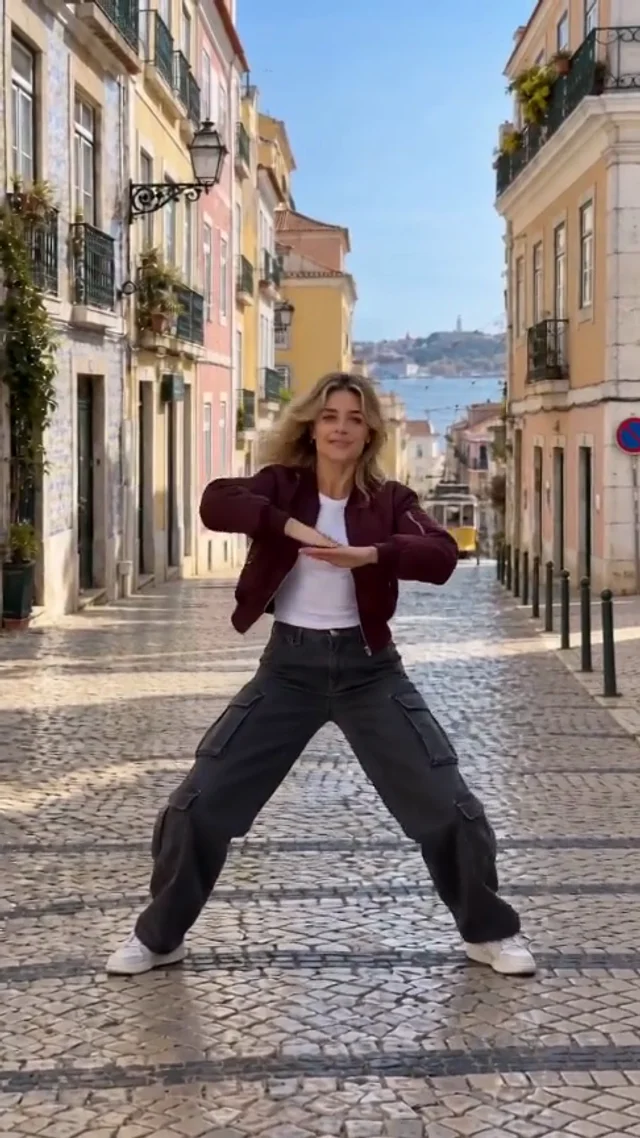
Shan Shen Bu Dance AI
Turn one full-body photo into the Shan Shen Bu (flash step) dance: fast sideways dodges, kicks and shoulder accents, recreated step for step in a vertical video.
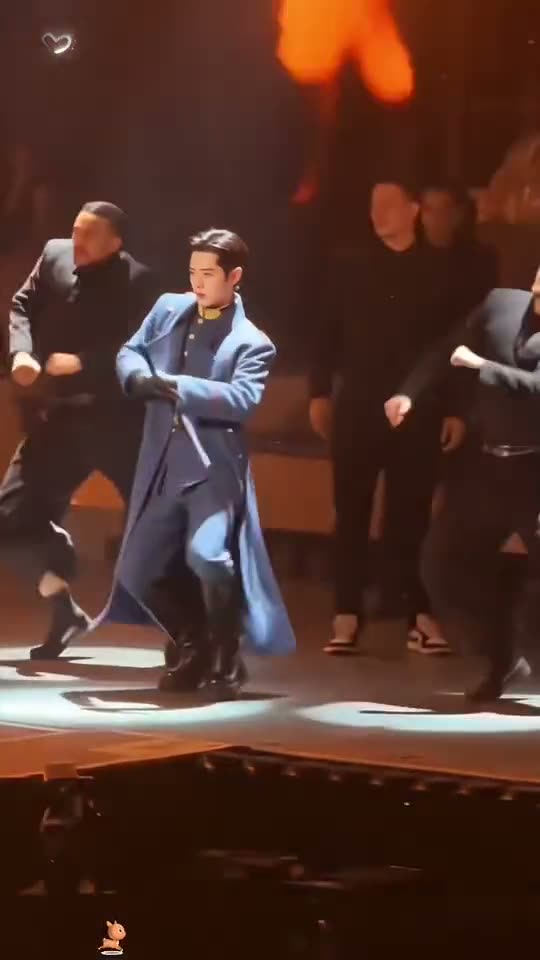
Talk Dirty Dance AI
Turn one photo into the Talk Dirty concert dance break: you lead the crew on stage, sharp hits and swagger, with the crowd energy and stage lights behind you.
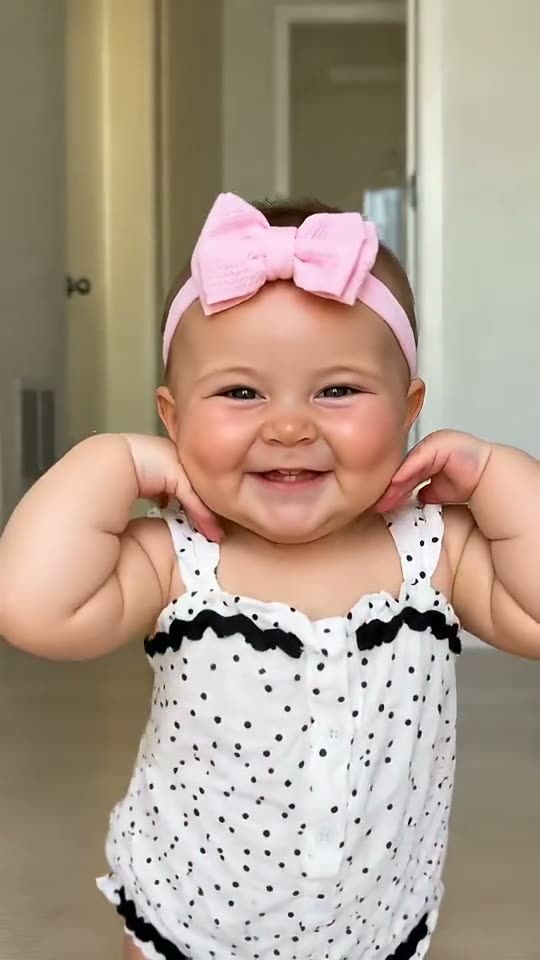
Bonito Bonito AI
Turn one baby photo into the Bonito Bonito dance: a pretend sip, cheek cups, a self-hug and a happy sway to the cafecito song, in a cute vertical video.
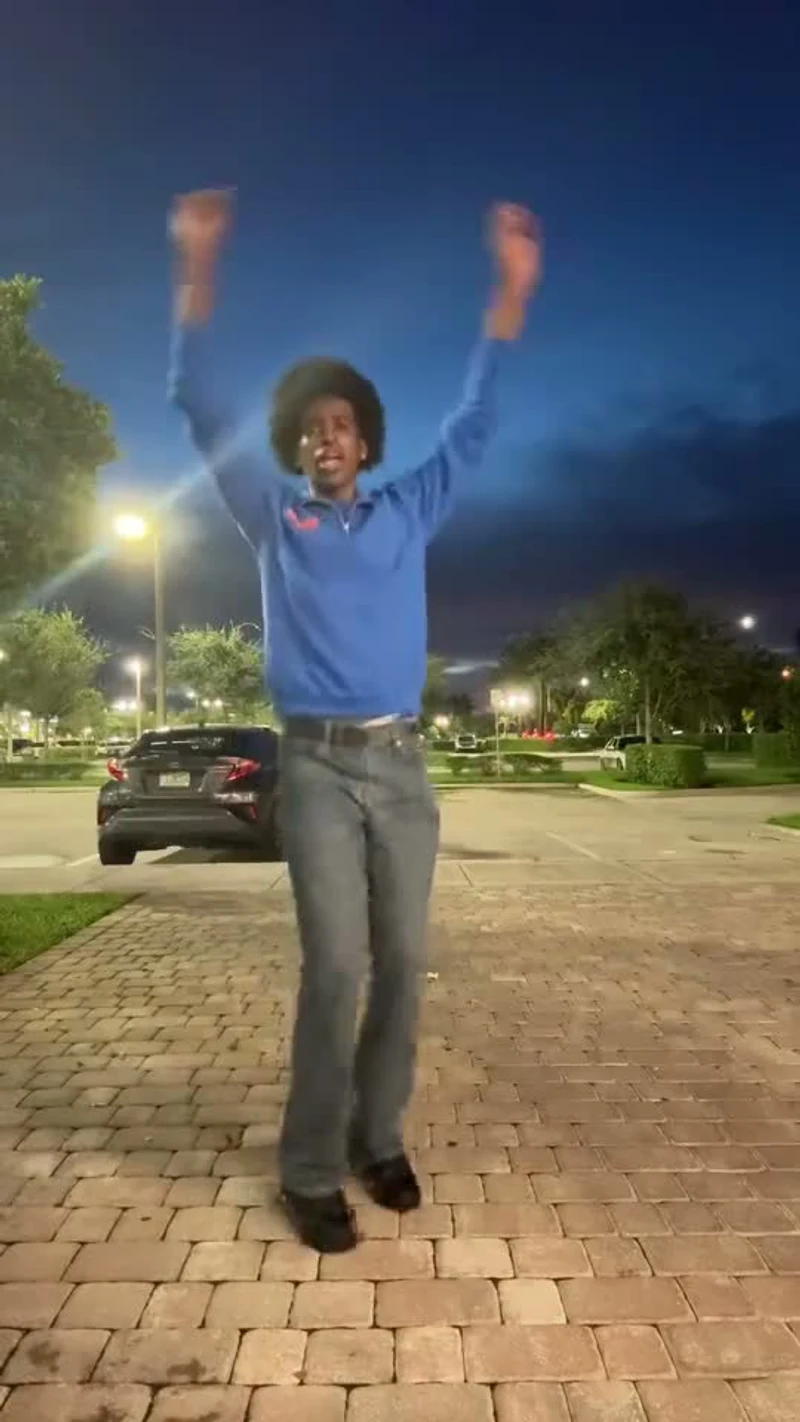
Pick It Up Dance AI
Turn one photo into the viral Pick It Up (Make It Jump) dance: arms up, the turn, the low squat and the final jump, performed by you, your baby or your pet in a vertical video.
How it works
- 01Choose a dance template and watch its sample
- 02Upload one clear, well-lit photo
- 03Generate, preview and download the clip
This page vs. a single template
This page is the index for the dance category: it collects every published dance template and grows automatically as new ones go live. The trend page is ordered by publish date and mixes all categories, which makes it better for spotting what is new this week than for comparing dance formats.
A single template page is where you actually generate. It shows one format, its sample videos, its credit price and the upload box. Use this category page to compare options; open a template when you have picked one.
Frequently asked questions
- How many photos do I need to make a dance video?
- One clear photo is enough for most dance templates. Each template page states the exact photo count, and a few accept up to three images for group shots.
- How long does a generated dance video take?
- Rendering usually takes a few minutes. You can leave the template page open while it runs; the finished video is saved to your account as soon as the model returns it.
- Do I need video editing skills?
- No. You choose a template, upload a photo and press generate. The model handles the motion, framing and timing.
- Which photo works best for a dance template?
- A sharp, well-lit photo where the face and body are visible, with one main subject in frame. Avoid blurry, very dark or tightly cropped shots.
- Can I download and share the dance video?
- Yes. Generated videos are saved to your account and can be downloaded for TikTok, Reels, Shorts or a group chat.
- How much does a dance video cost?
- Each template shows its credit price per render before you generate, and the pricing page lists the current credit packs.